
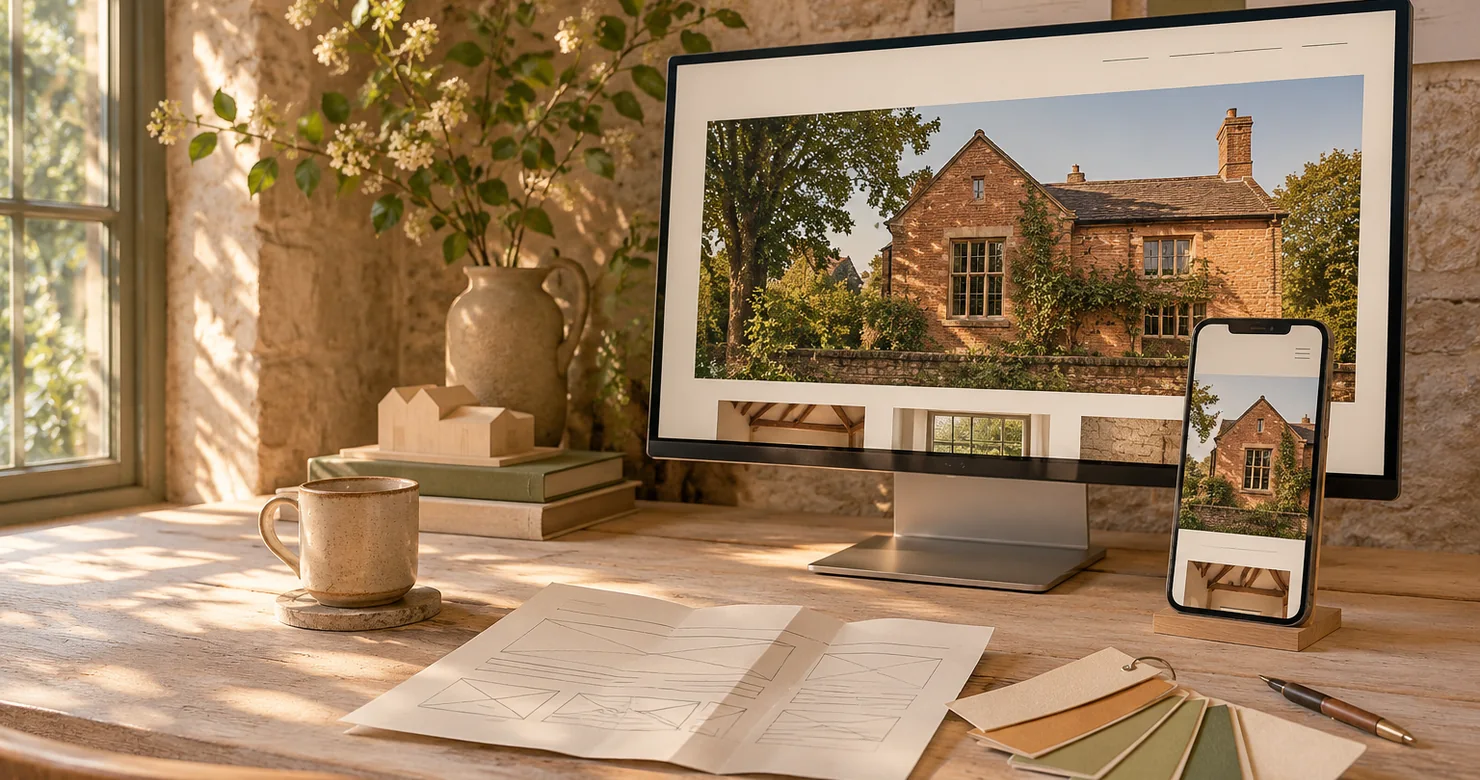
Start with the enquiry you want to receive.
Visitors to a local service website usually want to know what you do, where you work and how to get a price. We map the pages around those questions, then decide what your team needs to manage after launch.
One service, two screen sizes
In this garden design example, the service description and quote request stay together when the layout moves from a desktop to a phone.
How the project runs
Plan the pages
We identify your main services and customers, then sketch a page map and an enquiry form that asks for the details you actually need.
Handover Page map and agreed content list
Design and build
We lay out a representative service page for desktop and mobile. Once you review it, we build the remaining pages with your copy, branding and images.
Handover Working pages for review
Test and hand over
We check navigation, form delivery and phone links, connect the domain, and show you how to request or make future updates.
Handover Launch checks and handover notes
What to have ready
- Your services, service areas and the action you want customers to take.
- Your logo, approved photos and any copy worth keeping.
- The inbox for enquiries and who manages your domain.